
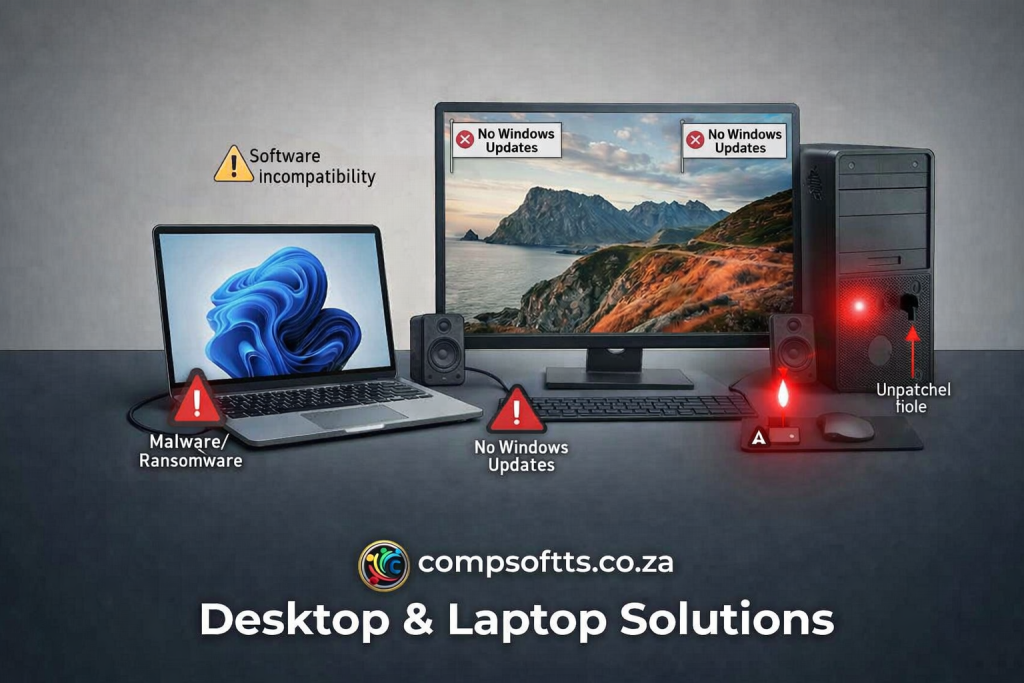
Your laptop hasn’t crashed. Your desktop still opens Word. Everything seems fine.
But “seems fine” is exactly how most security breaches start.
At Compsoft Solutions, we’ve seen a sharp rise in support enquiries lately — and almost every single one traces back to the same root cause: skipped updates and unnoticed malware quietly doing damage in the background. If your device hasn’t had a proper update or security check in months, this post is your warning sign.
The Silent Killer: What Happens When You Skip Updates
Every time Windows, macOS, or your software prompts you to update and you hit “Remind me later” for the hundredth time, you’re leaving a door open — literally.
Here’s what accumulates in the background:
- Security vulnerabilities left wide open. Updates exist primarily to patch known exploits. Skip them, and you’re running a system hackers already know how to break into.
- Software incompatibility. Older systems gradually lose the ability to open newer file formats, sync with cloud services, or run current versions of the apps you rely on daily.
- Driver problems. Outdated drivers cause random crashes, blue screens, and hardware that simply stops being recognised.
- Browser breakdown. An outdated browser can’t render modern websites properly — banking portals, client dashboards, and business tools start failing silently.
- Windows 10 End of Life. If you’re still running Windows 10, official support has ended — meaning no more security patches at all. (We covered this in detail in our [Windows 10 End of Life post].)
The Virus & Malware Threat Is Bigger Than You Think
Outdated software is the open door. Malware is what walks through it.
- Ransomware locks your files and demands payment to release them — and in South Africa, small businesses are increasingly being targeted, not just large corporates.
- Spyware silently logs your keystrokes, capturing passwords, banking details, and client information without you ever knowing.
- Network spread. One infected device on an office network can compromise every connected machine — printers, shared drives, and colleagues’ PCs included.
- Email hijacking. Compromised accounts get used to send spam or phishing emails to your entire contact list, damaging your business’s reputation before you even know it happened.
- Data theft & total loss. Without backups, an infected or failing drive can mean years of business records, client files, and financial data gone — permanently.
“It Still Works Fine” Is a Dangerous Assumption
This is where most people get caught out. A slow, ageing, unpatched device doesn’t usually announce that it’s compromised. It just gets slightly slower. A bit more unreliable. Until one day it isn’t fine at all.
The real cost isn’t just the eventual repair bill — it’s:
- Lost productivity while systems are down
- Client trust, if a breach affects their data
- The stress and time cost of emergency recovery instead of planned maintenance
Prevention is almost always cheaper — and calmer — than the emergency fix.
Signs Your Device Needs Attention Right Now
Run through this quick checklist:
- ✅ Random pop-ups or ads appearing out of nowhere
- ✅ Noticeably slower boot-up or loading times
- ✅ Files that suddenly won’t open or seem corrupted
- ✅ Fan running constantly, even when idle
- ✅ Browser redirecting to unfamiliar sites
- ✅ You’ve been ignoring update notifications for weeks (or months)
If you ticked even two of these, it’s time for a proper check-up.
The Fix: Compsoft’s Desktop & Laptop Solutions
This is exactly what our Desktop & Laptop Solutions service exists for — proactive setup, security hardening, driver updates, and ongoing support that catches these issues before they become disasters. We don’t just patch problems as they appear; we help you build a system that stays protected.
Whether it’s one laptop or a full office network, our team makes sure your devices are updated, secure, and running the way they should — so you can focus on running your business, not firefighting IT emergencies.
Don’t Wait for the Blue Screen
The devices that fail hardest are always the ones that were “fine” right up until they weren’t. If your systems haven’t been checked in a while, now is the time — not after something goes wrong.
📩 Get in touch with Compsoft Solutions today and let’s make sure your devices are protected, updated, and running the way they should.
compsoftts.co.za | info@compsoftts.co.za | +27 84 705 6344