Compsoft Training Hub
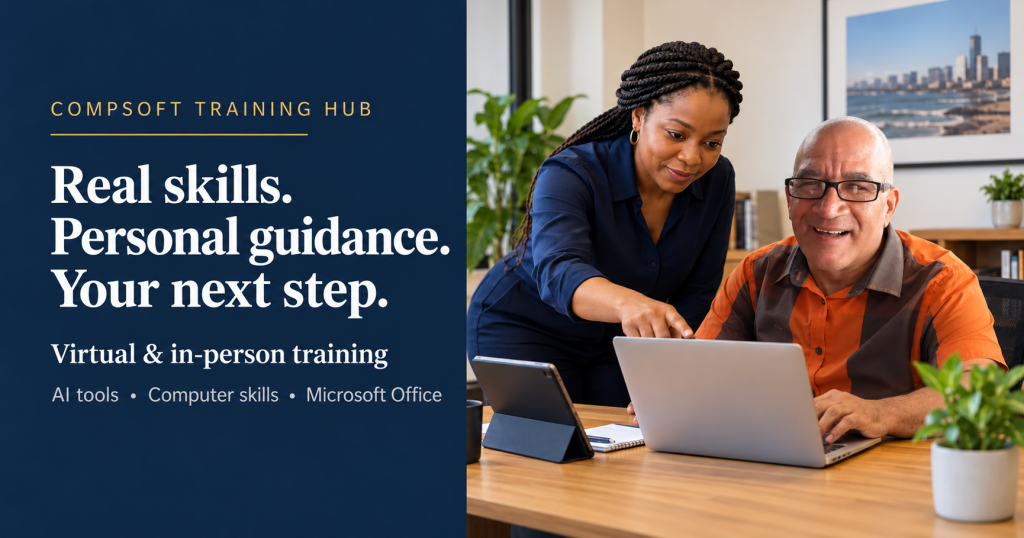
Learn. Grow. Master Technology. From your first steps on a computer to Microsoft Office and AI tools — book virtual or in-person training tailored to your needs. Based in Durban, serving individuals and teams.


AI Assistants, Content & Video
Claude, Copilot, ChatGPT, Gemini, Grok, HeyGen & Meta AI.
7 areasBrowse →
Self-Study: Professional & Technical Skills
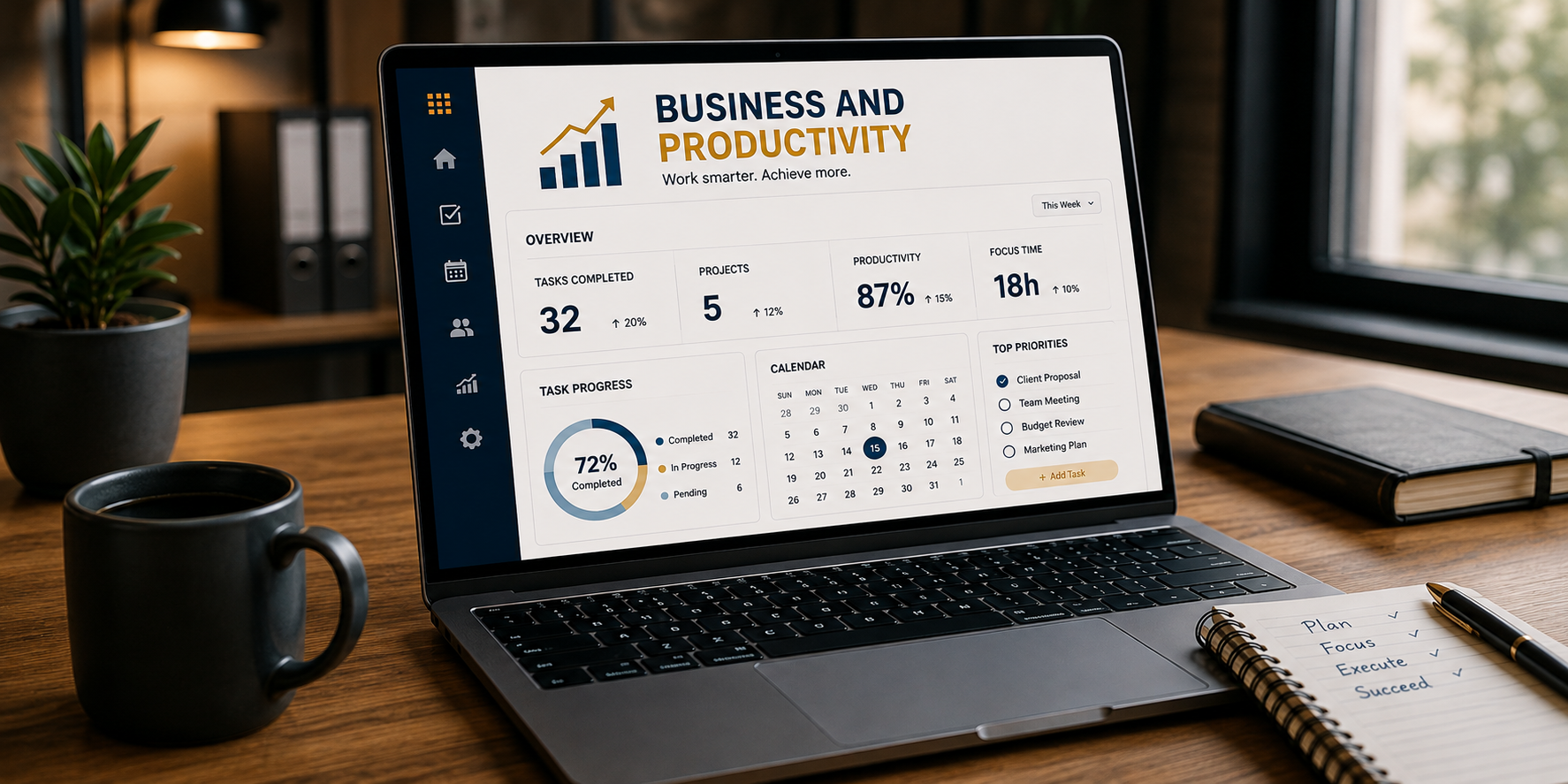
Office Suite, AutoCAD, Excel, Word, PowerPoint, Project, Marketing, GenAI Mechanical Engineering and Student AI Guide.
9 areasBrowse →

POPI Act & AI Tools
Understand the Protection of Personal Information Act and responsible use of personal information with AI tools.
Self-study guideBrowse →
Take these resources home, study at your own pace, and come back when you're ready to level up. All guides are professionally produced by Compsoft Solutions.

Keyboard & Mouse Skills Cheat Sheet
Stop clicking through menus. Master your keyboard and mouse and work twice as fast. Covers all essential Windows shortcuts plus mouse basics every computer user must know.
Download Free PDF
ChatGPT Beginner Cheat Sheet
New to AI? Start here. This guide shows you exactly how to use ChatGPT with real prompt examples that work — no tech background needed.
Download Free PDF
AI Glossary for Beginners
AI, LLM, prompt engineering, hallucination — what does it all mean? This plain English glossary breaks down every AI term you keep hearing so you're never lost in the conversation again.
Download Free PDF
Computer Basics for Beginners
Everything you need to know to get started with confidence. Parts of a computer, how to start up, common terms, and how to stay safe online.
Download Free PDFExplore our training options and online learning collection. Use the Training Resources button to view available guides, current prices, access details and quizzes. Personal training is quoted separately from self-study guide purchases.
| Programme / Resource | What You Can Explore |
|---|---|
| AI Assistants, Content & Video | Copilot, Claude and ChatGPT: Beginner, Intermediate and Advanced guides; Gemini, Grok, HeyGen and Meta AI: complete guides. |
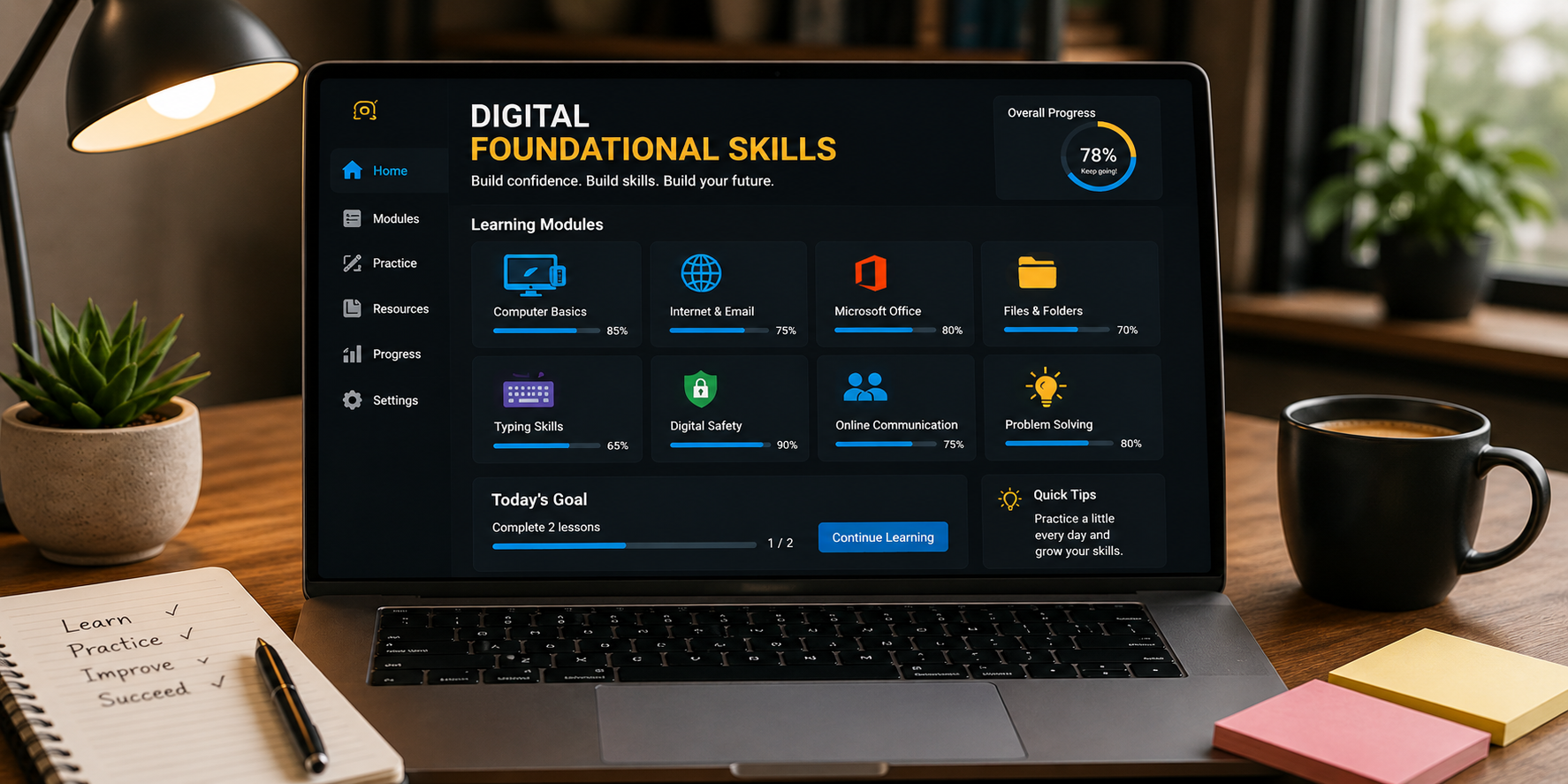
| Foundational Digital Skills | Computer Basics and Typing Guide, plus personal training in keyboard, mouse and everyday computer skills. |
| Microsoft Office Training | Practical training in Word, Excel, PowerPoint and Outlook, quoted according to your needs. |
| Self-Study: Professional & Technical Skills | Office Suite, AutoCAD, Excel, Word, PowerPoint, Project, Marketing, GenAI Mechanical Engineering and Student AI Guide. |
| Free Starter Guides | Internet Basics, Security & Safety, WhatsApp Business, Everyday Digital Life, Outlook and PDF Guide. |
| POPI Act & AI Tools | Self-study guidance on the Protection of Personal Information Act, personal information and responsible use of AI tools. View current price and access details through Training Resources. |
| Test Your Skills | Choose a topic, answer five questions and receive your results by email through Training Resources. |
Virtual and in-person training is quoted separately according to your needs — get in touch for a tailored quote.
For one-on-one in-person training, the venue must be arranged with Compsoft Solutions, or you may use your own venue. For group training, the client must confirm attendee numbers and provide a suitable venue with seating, power and internet access, plus a facilitator computer, smartboard or projector screen and suitable audio equipment.
Travel costs, where applicable, are quoted separately before booking. Compsoft Solutions is not responsible for delays or postponements caused by missing or non-functional client equipment.
Book Your Training Session
Develop your skills or support your team with virtual or in-person training. Contact us for a tailored quote. Sessions must be paid in full before your date and time are confirmed.