
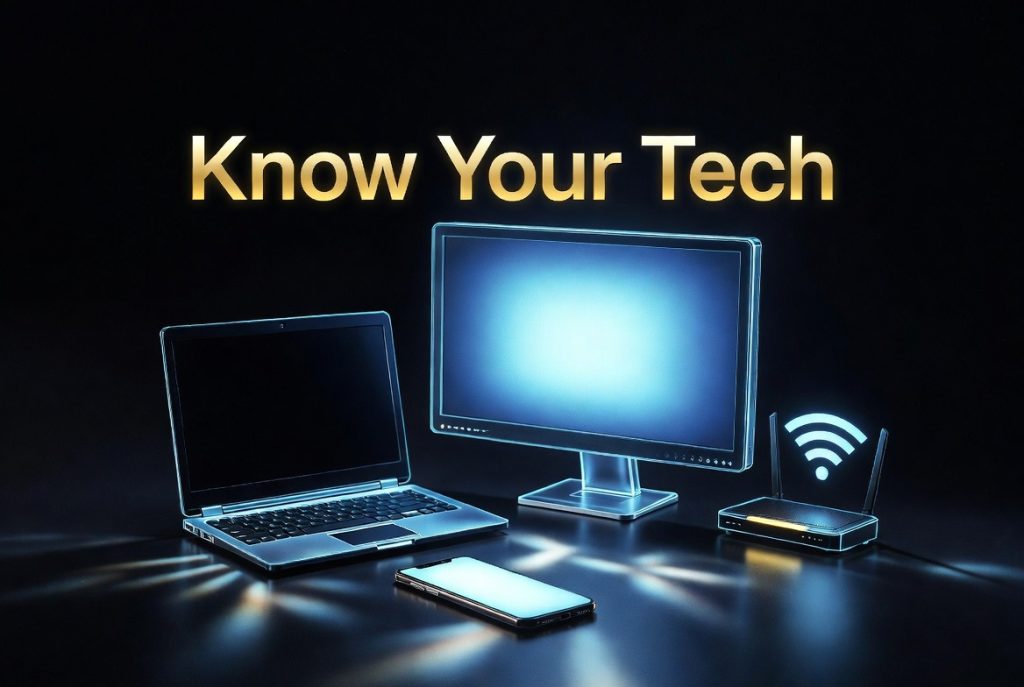
Know Your Tech — Mobile, Laptop, Desktop & WiFi Guide for South Africans
INTRODUCTION
We live in a world where technology is no longer a luxury — it’s a necessity. Whether you’re a student in Soweto, a small business owner in Durban, or a professional working from home in Pretoria, chances are you rely on at least one device every single day. But how well do you actually know your tech?
At compsoftts.co.za, we believe that an informed user is an empowered user. So today, we’re breaking it all down in plain, simple language no jargon, no confusion. Let’s talk about your mobile phone, your laptop, your desktop computer, and your WiFi connection.
BODY
📱 Your Mobile Phone — The Power in Your Pocket
Your smartphone is arguably the most powerful tool you own. Modern mobile phones run on operating systems — the most common being Android (used by Samsung, Huawei, and others) and iOS (used by Apple iPhones).
Here’s what you should know:
- Storage is where your photos, apps, and files are saved. Most phones offer between 64GB and 512GB.
- RAM (Random Access Memory) determines how smoothly your phone runs multiple apps at once. More RAM = smoother performance.
- Battery capacity is measured in mAh — the higher the number, the longer your battery lasts.
- Keep your software updated — updates fix security vulnerabilities and improve performance.
Tip: Restart your phone at least once a week to keep it running smoothly.
💻 Your Laptop — Work and Play, Anywhere
A laptop is a portable computer that combines a screen, keyboard, and battery into one unit. It’s perfect for students, remote workers, and anyone who needs to work on the go.
Key things to understand:
- Processor (CPU): This is the brain of your laptop. Look for Intel Core i5/i7 or AMD Ryzen 5/7 for solid everyday performance.
- RAM: 8GB is the minimum for comfortable multitasking in 2026. 16GB is ideal.
- Storage: SSDs (Solid State Drives) are much faster than old HDDs. If your laptop has an SSD, it will start up and load files significantly faster.
- Operating System: Most laptops run Windows, though Apple MacBooks run macOS.
Tip: Always plug your laptop in when doing heavy tasks like video editing or large downloads — it saves your battery life in the long run.
🖥️ Your Desktop Computer — The Powerhouse at Home or the Office
A desktop computer is a stationary machine made up of separate components — a tower (or all-in-one unit), a monitor, a keyboard, and a mouse. Desktops are generally more powerful than laptops for the same price and are easier to upgrade over time.
Why choose a desktop?
- More power for less money — great for gaming, design, or heavy business workloads.
- Easier to repair and upgrade — you can replace individual parts like RAM or storage without buying a whole new machine.
- Better cooling — desktops don’t overheat as easily as laptops, making them ideal for long working sessions.
Tip: If you’re running a business from home, a desktop with a large monitor setup will dramatically improve your productivity.
📶 WiFi — Your Gateway to the World
WiFi is the wireless technology that connects your devices to the internet. Understanding your WiFi can save you a lot of frustration.
Here’s what you need to know:
- Router: This is the device that broadcasts your WiFi signal. Its placement matters — central locations in your home or office give better coverage.
- Bandwidth: Measured in Mbps (Megabits per second). For streaming, video calls, and general browsing, 20–50Mbps is comfortable for a small household or office.
- 2.4GHz vs 5GHz: Most modern routers broadcast on both frequencies. 2.4GHz travels further but is slower. 5GHz is faster but has a shorter range — best for devices close to the router.
- WiFi security: Always use WPA2 or WPA3 encryption and a strong password. Never leave your WiFi open or use the default router password.
Tip: If your WiFi is slow, try restarting your router — unplug it, wait 30 seconds, and plug it back in. It works more often than you’d think!
CONCLUSION
Technology doesn’t have to be intimidating. Once you understand the basics of your mobile phone, laptop, desktop, and WiFi connection, you’re in a much better position to make smart decisions — whether you’re buying a new device, troubleshooting a problem, or simply getting more out of what you already have.
At compsoftts.co.za, we’re more than just a tech service provider — we’re your digital partner. From AI video creation to technical support and beyond, we’re here to help South African individuals and businesses thrive in the digital age.
👉 Visit us at compsoftts.co.za and let’s talk about how we can help you today.